top of page
Mic Light Doesn't Flash
This page details how to fix if the Mic Light doesn't briefly flash when plugged into your turned on PC or Laptop.
1st
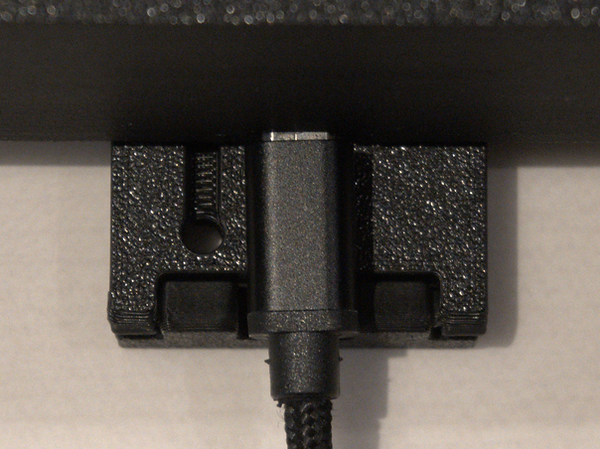
Check the connections (unplug and replug at both ends). The Mic Light End makes a little click and should like the image to the right. when fully inserted. The slight play left and right is normal. DO NOT TRY AND FULLY PUSH IT IN
2nd
Try a different USB port then repeat step one. Then try Step 2 again. Check the USB slot with a mouse or similar device to ensure it is working as intended.
3rd
Try the device in a different PC or Laptop.
bottom of page